
Download Suggester : Chords and Scales – chord progressions, music composition, songwriting tool, scale explorer, harmony tools, chord suggestions, MIDI output, drag and drop interface, music app
Overview
Suggester: Chords and Scales is a purpose-built mobile application designed to support musicians in the creative process of songwriting. The app focuses on simplifying the construction of harmonically rich chord progressions by integrating intelligent suggestions based on selected musical scales. It serves as a practical tool for both emerging artists and seasoned composers who seek structured yet flexible ways to explore musical ideas. By offering real-time chord recommendations aligned with scale theory, the app helps users avoid dissonance and maintain tonal coherence in their compositions.
Target users include amateur songwriters searching for guidance, music students learning harmonic principles, and professional composers seeking inspiration. The app’s utility lies in reducing the cognitive load of theoretical decision-making, allowing creators to focus on emotional expression and lyrical development. Its integration with MIDI output further positions it as a functional component in digital music production workflows, particularly during live performance or studio recording sessions.
Developed by Eddie C. Reardon, the app reflects a focused effort to bridge music theory and practical composition. Although the developer did not provide additional technical details, the app’s release date of July 17, 2022, indicates a mature product with established user engagement. In the broader music app ecosystem, Suggester stands out as a specialized utility that enhances productivity without overwhelming users with complex interfaces.
Key Features & Functionality
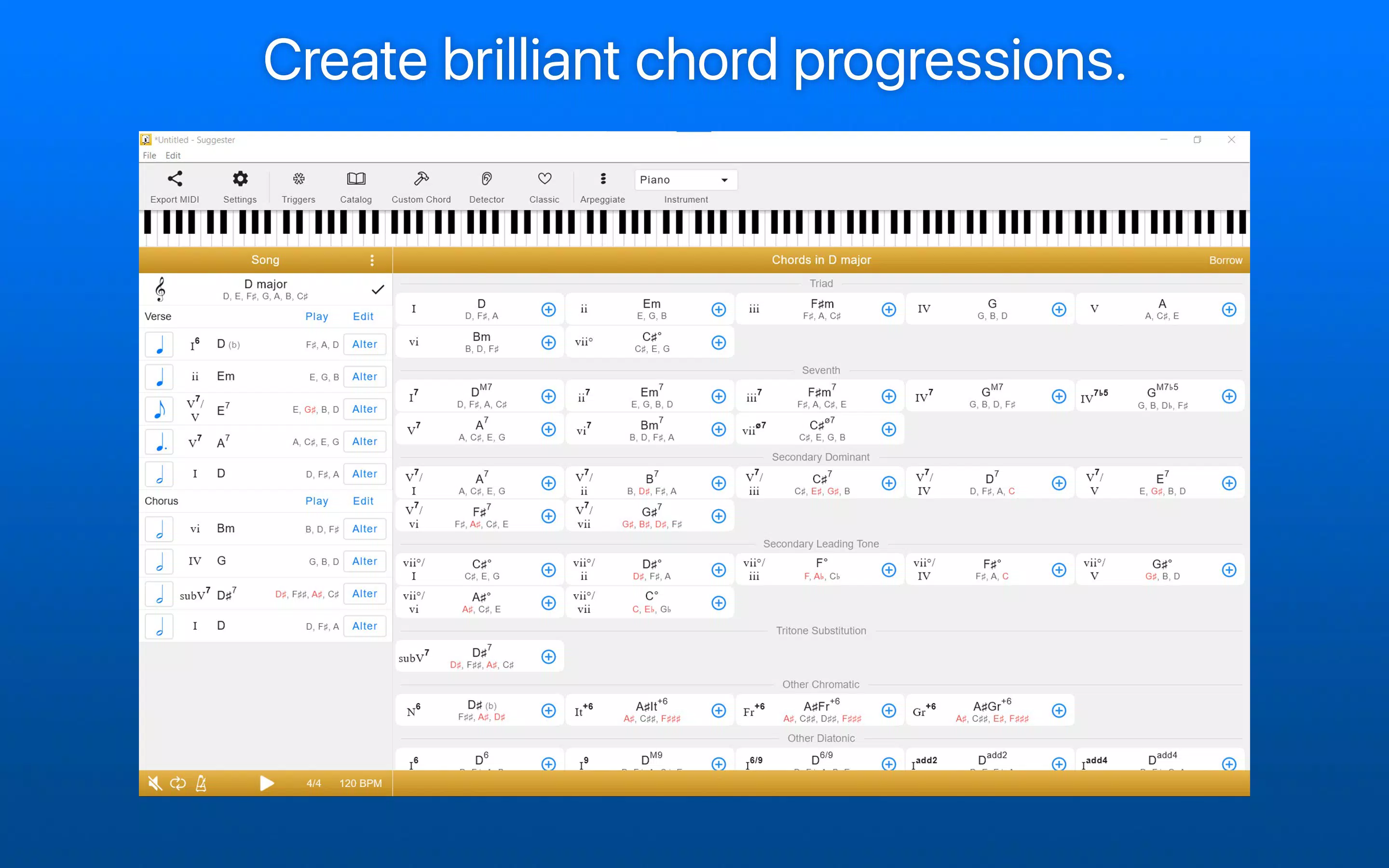
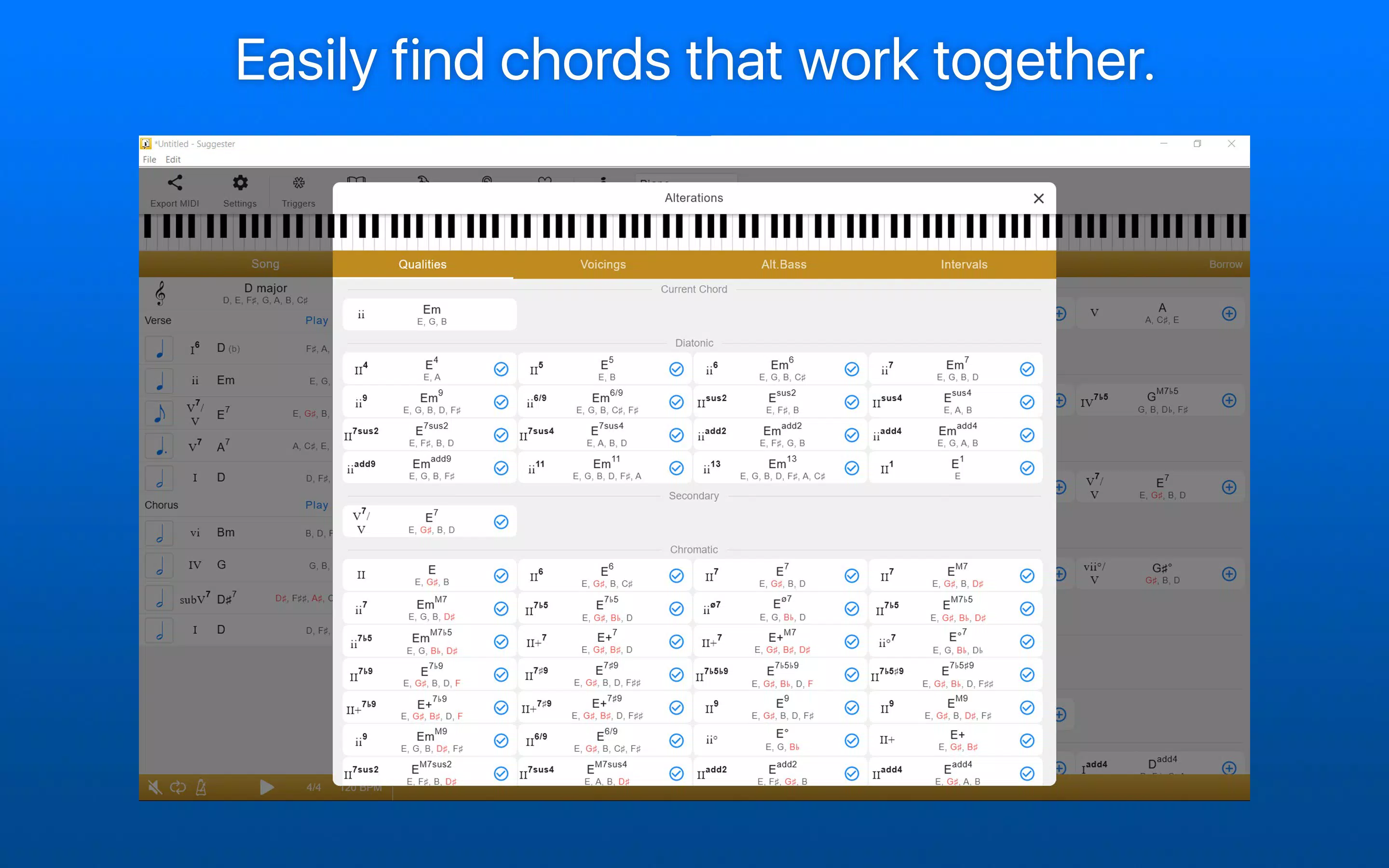
- Chord Suggestions: The app intelligently proposes chords that are harmonically compatible with the selected scale. This feature supports users in building smooth progressions without requiring deep theoretical knowledge, making it ideal for beginners while still offering value to advanced users seeking new combinations.
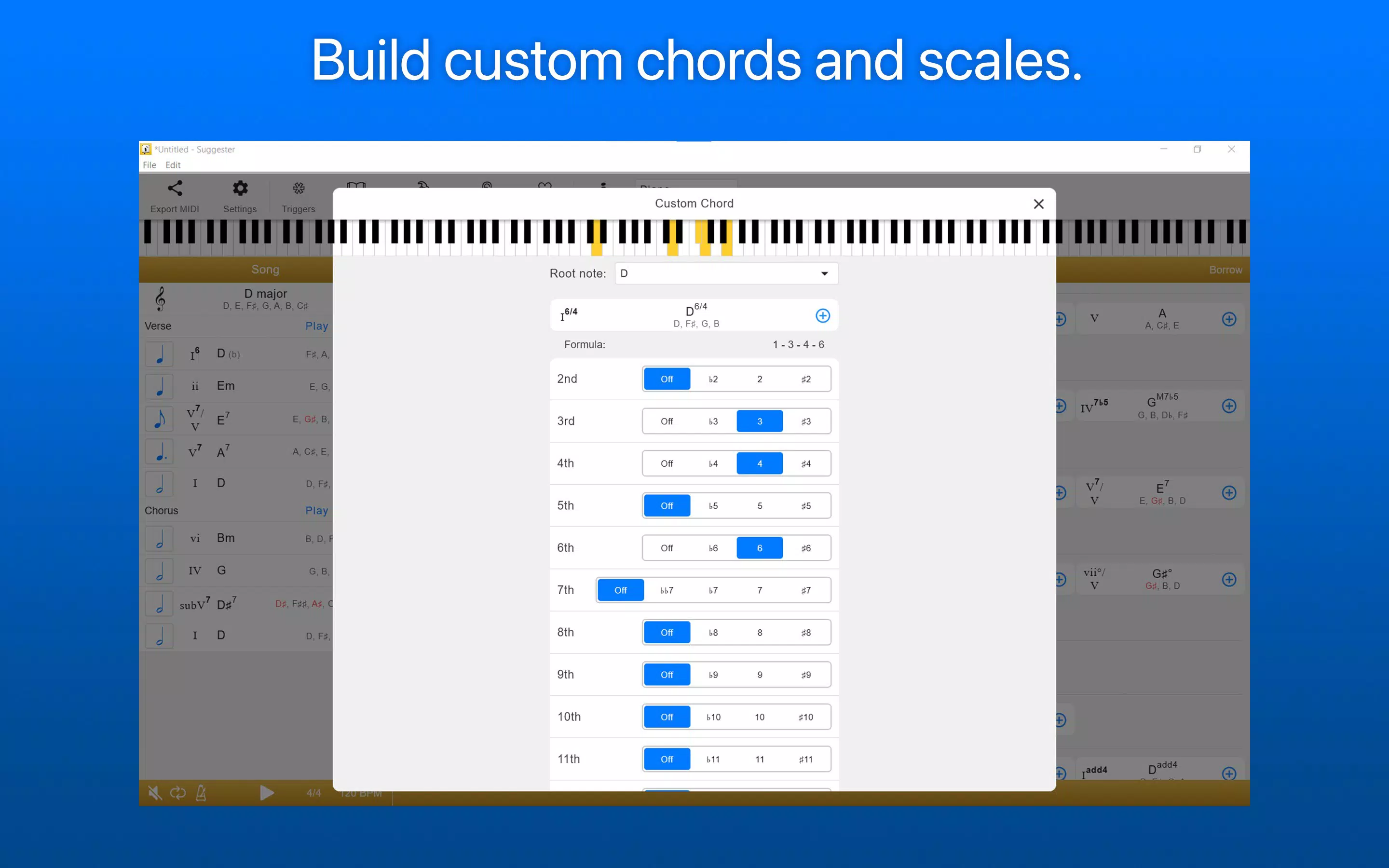
- Custom Scales and Chords: Musicians can define and save personalized scales and chords, enabling experimentation with non-traditional tonal systems. This functionality supports genre-specific exploration, such as modal jazz, world music, or avant-garde compositions.
- MIDI Integration: All generated sounds can be routed through MIDI output, allowing seamless connection with external synthesizers, DAWs, or other music software. This feature enhances the app’s utility in professional environments where hardware and software integration is essential.
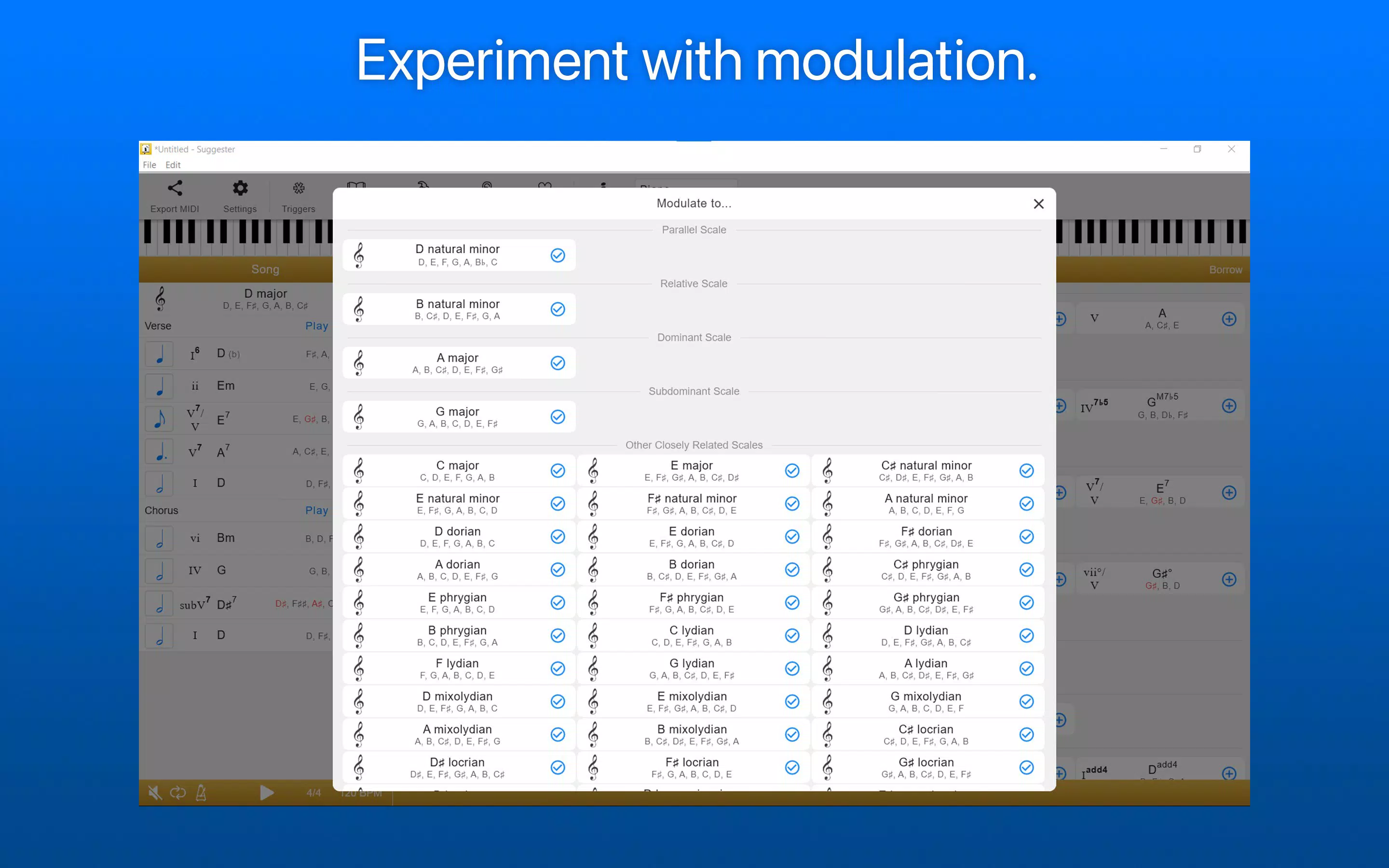
- Exploration of Harmony: Advanced tools include secondary dominant chords, modulation options, and borrowed chords, which allow users to introduce harmonic tension and resolution. These tools help composers create dynamic and emotionally engaging progressions.
- Drag and Drop Interface: Users can reorder chords within a progression using intuitive drag-and-drop gestures. This responsive interaction improves workflow efficiency, enabling rapid iteration and experimentation during the songwriting process.
For example, a user composing in the Dorian mode can activate the app’s suggestion engine to generate compatible chords, then drag and drop them into a sequence that matches their lyrical phrasing. Similarly, a producer working in a DAW can use MIDI output to trigger virtual instruments in real time, turning the app into a live composition assistant.
Interface, UX & Performance
The app features a clean, minimal interface designed for intuitive navigation. Visual layout emphasizes clarity, with clearly labeled sections for scale selection, chord display, and progression management. The use of color-coded elements helps distinguish between root notes, chord types, and functional roles within a progression.
Navigation is streamlined, allowing users to switch between scales, adjust chord sequences, and access MIDI settings with few taps. The drag-and-drop functionality is responsive and supports precise reordering, contributing to a fluid user experience. Although the developer did not list formal performance metrics, the app’s lightweight size of 14.7 MB suggests optimized resource usage, which likely contributes to smooth operation across various Android devices.
Stability appears to be a strength, as the app maintains consistent behavior during extended use. No reported crashes or freezes were mentioned in available documentation. Users can expect reliable performance on mid-range and high-end Android smartphones, though compatibility with older or low-memory devices was not specified. The absence of intrusive ads or excessive permissions further enhances the overall usability.
Platform Compatibility & Technical Requirements
Suggester: Chords and Scales is available exclusively on the Android platform. The current version is 1.4.2, with a file size of 14.7 MB, indicating a compact and efficient application. The app is free to download and use, with no in-app purchases or subscription models reported.
Although the developer did not specify minimum OS requirements, the app’s release date of July 17, 2022, suggests compatibility with Android 6.0 (Marshmallow) or later. However, users should verify system compatibility before installation, as specific version requirements were not disclosed. The app does not appear to require high-end hardware, making it accessible to a broad range of Android users.
Pros and Cons
- Intelligent chord suggestions enhance harmonic accuracy and creativity
- Supports custom scales and chords for unique musical exploration
- Seamless MIDI integration enables use in professional workflows
- Drag-and-drop interface improves usability and workflow speed
- Lightweight size and free pricing make it accessible to all users
- Exclusive availability on Android limits cross-platform use
- No information on supported audio formats or output types beyond MIDI
- Developer did not provide details on performance on low-end devices
- Interface may feel minimal to users expecting advanced visual feedback
- No built-in audio playback or sound engine described
FAQ
Is Suggester: Chords and Scales safe to download?
The app is free and available through official Android channels. No malicious permissions or suspicious behavior have been reported. Users should install from trusted sources to ensure security.
Can I use this app on iOS devices?
Currently, the app is only available for Android. There is no official iOS version released or announced.
Does the app require an internet connection?
No, the app functions offline. All chord suggestions and scale calculations are processed locally.
How often is the app updated?
The latest version is 1.4.2, released on July 17, 2022. The developer has not provided a public update schedule.
Can I export my chord progressions?
While the app supports MIDI output, specific export formats (e.g., MIDI files, text) were not detailed. Users may need to use external tools for file storage.
Final Thoughts
Suggester: Chords and Scales delivers a focused, effective solution for musicians aiming to enhance their songwriting process. Its intelligent chord suggestions, customizable scales, and MIDI integration make it a valuable tool for both learning and professional use. The drag-and-drop interface ensures a smooth, enjoyable experience, while the app’s lightweight design and free pricing increase its accessibility.
While it lacks cross-platform availability and detailed export options, its core functionality is well-executed and purpose-driven. For Android users passionate about music composition, this app offers a powerful yet unobtrusive assistant that respects creative freedom while providing theoretical support.
Download Suggester: Chords and Scales now


